

Getting set up with a new SMTP provider can feel like a bit of a daunting process. At SMTP2GO, we like to simplify things as much as possible- including our price plans.
We don’t charge per subscriber, we don’t mind how many emails you send per day, and we definitely don’t charge more if you need to send a large email. The only thing that we need to know is how many emails you’d like to send per month.
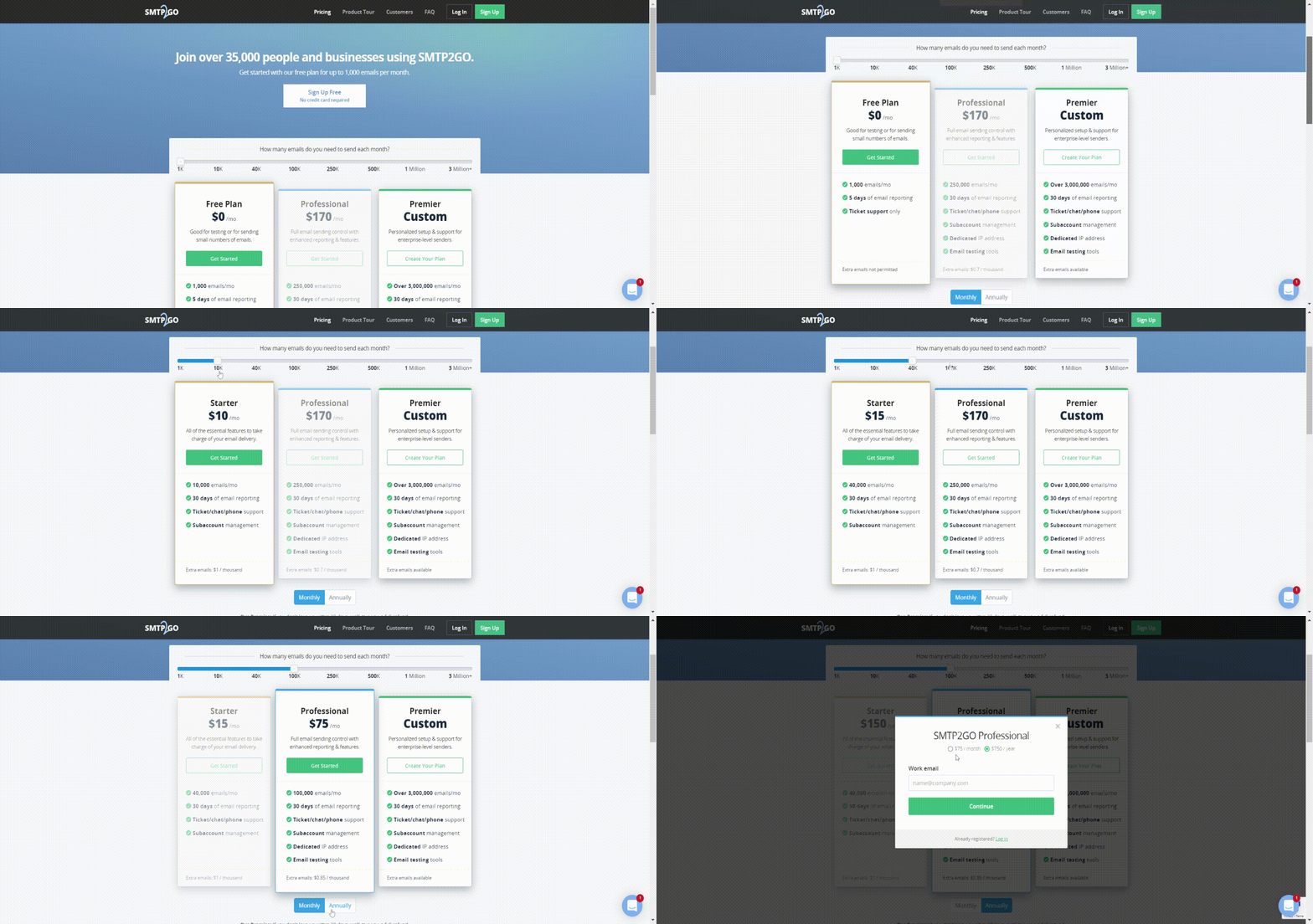
First, let’s go to our Pricing Page. From there, you can see a sliding scale with a few different options. Choose how many emails you normally send in a month, and the most economical plan for your needs will appear.
Once you’ve chosen the plan, you can then decide to pay monthly or annually. We love to reward our long-term clients, so if you decide to pay annually, you’ll get two months free. Once you’ve chosen the plan, and have decided to pay monthly or annually, click on “Get Started” and you can begin the sign-up process.
How many emails do you need to send per month?
Less than 1000
Our Free Plan allows you to send up to 1,000 emails per month. There is no cost and you don’t need a credit card to sign up. There is no time limit on the plan, so you can use it as long as you need to. This plan includes 5 days of Email Reporting and ticket support with our award-winning customer service team.
Between 10k to 40k
If you need more emails, check out our 10k and 40k Starter Plans. These include up to 10,000 or 40,000 emails per month respectively. You get 30 days of Email Reporting and you can speak to our support staff via ticket, live chat, or phone. You can also create subaccounts with these plans. If you need to send more than your account’s monthly limit, don’t worry, we’re flexible! You can send up to three times your account’s monthly limit without needing to upgrade. Additional emails are charged at $1 for up to 1,000 emails in the next billing cycle.
From 100k to 1 million
If you plan on sending between 100k to 1 million emails per month, then you’ll need our Professional Plans. As with the Starter Plans, you will have 30 days of Email Reporting and contact with our support staff via live chat, ticket, and phone. Subaccount management is also enabled. Our Professional Plans also include a dedicated IP address and Email Testing Tools. You can also send up to three times your account’s limit without needing to upgrade.
Additional emails are charged as follows:
- 100k plan: $0.85/ thousand
- 250k plan: $0.7/ thousand
- 500k plan: $0.6/ thousand
- 1 million plan: $0.5/ thousand
More than 3 million
If you need to send more than 3 million emails per month, then we can personalize a quote for you. On the Pricing page, click on “Create Your Plan”, or you can go directly to the custom signup form here. You’ll need to fill out a short form and a member of our team will contact you with a quote for your email needs.
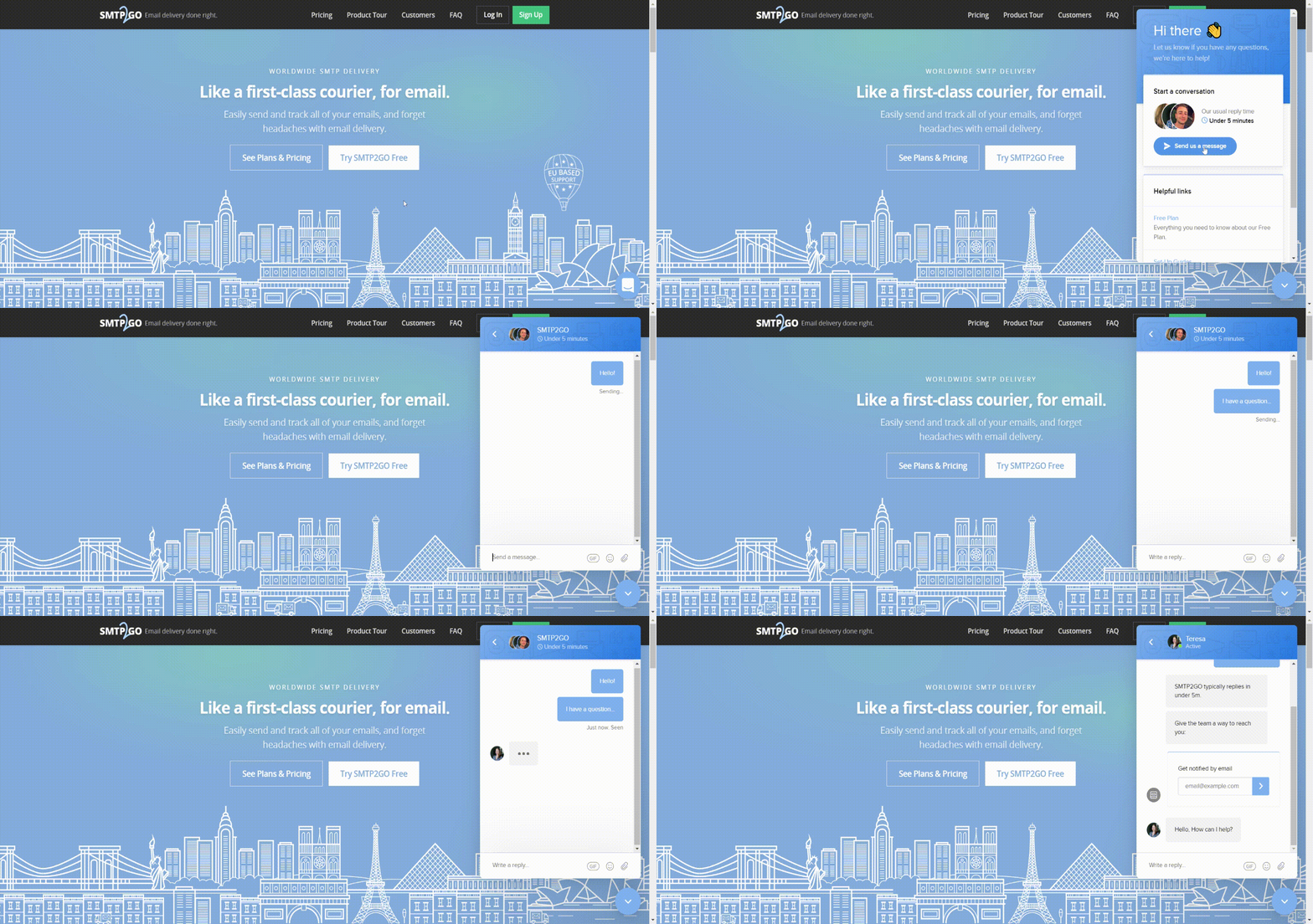
If we can help to clarify the sign-up process for you, please don’t hesitate to get in touch via the live chat option on our website, or via email.



No thoughts shared yet. Be the first to leave a comment above!