

The SMTP2GO MCP server brings your SMTP2GO account into any AI tool you already use, so you can ask for what you: send a test email, find out what happened to a message or check how our API works.
Who is the SMTP2GO MCP for?
Anyone on any SMTP2GO plan who uses Claude Desktop, Claude Code, Cursor, the ChatGPT desktop app, Codex CLI, Gemini CLI or Lovable. Three groups stand to get the most from it:
- Developers. While you build, ask what an endpoint needs or send a test email without leaving your editor.
- IT admins and MSPs. When someone says an email never arrived, ask whether it was delivered, bounced or rejected.
- Everyday users. Write an email in the chat, then ask for it to be sent from your verified address. Claude Desktop and the ChatGPT desktop app are set up through a form, with no terminal.
Two jobs suit another route: the send-email Skill when sending is all your agent will do, and the API or an official library for your application’s own mail.
What platforms does it works with, and basic instructions for each
Have two things ready:
- A dedicated API key with only the three permissions we recommend for sending: /email/send, /allowed_senders/view and /domain/view. You make keys under Sending, API Keys in the app. A dedicated key can be switched off without touching anything else you run.
- A verified sender. If you have none yet, verify a single sender email address for the test: a click on a confirmation email, no DNS change. That route is closed when the address’s domain has a DMARC record restricting which servers may send its email. In that case, and before real sending, verify a sender domain.
Then make the same three moves on any platform:
- Add a remote MCP server at https://developers.smtp2go.com/mcp.
- Give it your key the way your platform expects: our own header on most, a bearer token on the three set up through a form in the client. On the other four, set the key as an environment variable first.
- Look for the server’s five tools in your client, such as execute-request (Execute API Request in Claude Desktop).
| Platform | Where do you add it? | Where to add the API key |
|---|---|---|
| Claude Desktop | Settings, Customize, Connectors | An authorization header, with “No sign-in” chosen |
| Claude Code | claude mcp add in a terminal |
X-Smtp2go-Api-Key header |
| Cursor | Settings, Tools and MCPs | X-Smtp2go-Api-Key header, key read from an environment variable |
| ChatGPT desktop app | Plugins, MCPs | The Bearer token field |
| Codex CLI | ~/.codex/config.toml |
X-Smtp2go-Api-Key header |
| Gemini CLI | gemini mcp add in a terminal |
X-Smtp2go-Api-Key header |
| Lovable | Dashboard, Connectors | The “Bearer token or API key” field |
When your client lists those tools, the server is connected.
What can you do with our MCP server?
Five things to try, with what your key needs:
- Send an email: “Send a test email from hello@example.com to me@example.com.” Key: /email/send, one of the recommended three.
- Check an endpoint: “What does the send endpoint require, and how does it report a failed send?” Key: nothing extra.
- Find out what happened to one email: “Was my email to jo@example.com delivered, bounced or rejected?” Key: add /activity/search first. History: 30 days by default on paid plans, 5 days on the free plan.
- See why an address is not getting your email: “Is jo@example.com on my suppression list, and why?” Key: add /suppression/view first.
- Check your plan’s email cycle: “How many emails have I sent this cycle, and how many are left?” Key: add /stats/email_cycle first.
A first run..
- Look something up. Ask what the send endpoint requires. It worked if the answer matches that endpoint’s reference page.
- Ask which permissions your key has. Any key is allowed to make this request, and it changes nothing. It worked if the answer lists the endpoints you gave the key.
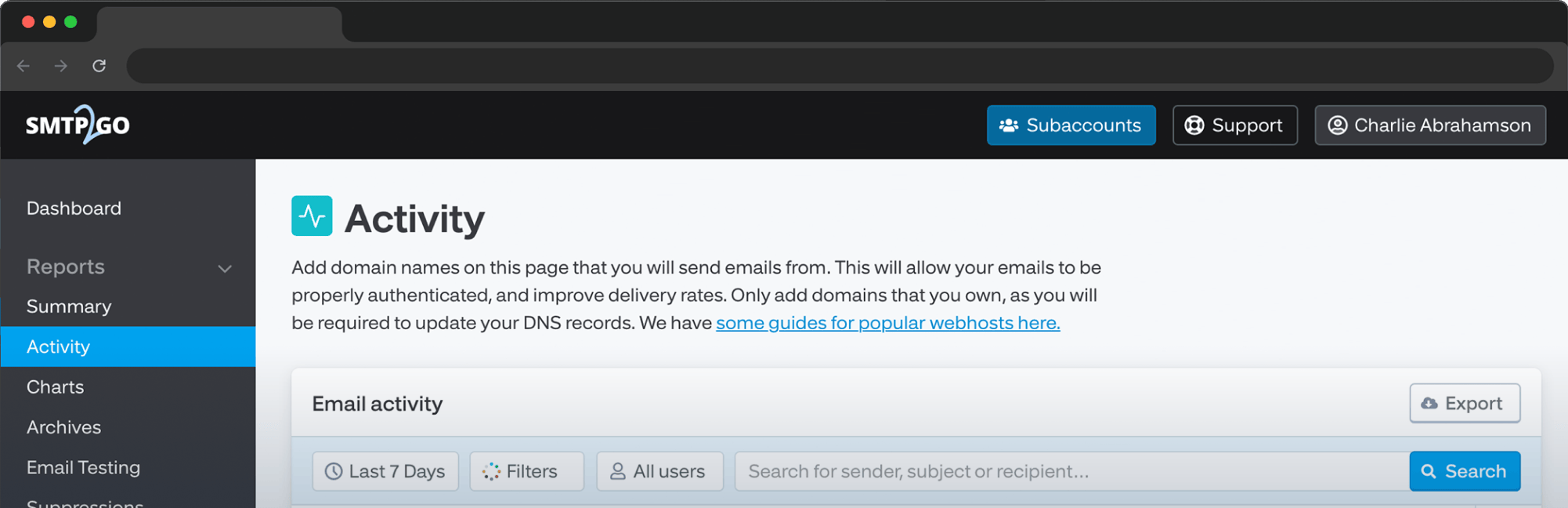
- Send one email to yourself, naming your verified From address. It worked if the email arrives and Reports, Activity in the SMTP2GO app shows it. The client saying “sent” is not the proof.
If a request is refused, check first for one of these two answers from our API. Your client may reword them.
- 401 Unauthorized: the key is missing, invalid or disabled. Redo the key step from your platform’s row in the table, or switch the key back on under Sending, API Keys.
- “You do not have permission to access this API endpoint”: the key lacks that permission, so add it.
Limits to be aware of
- Requests are real. Whatever the key allows is carried out, and the SMTP2GO API covers far more than sending, account changes included. Give this key only the permissions the work needs, never all of them.
- The key is the only credential. There is no OAuth and no separate sign-in, so keep it out of project files and shared config.
- Sends count. Each recipient is one email on your plan, and a From address that is not a verified sender is rejected.
- Cap the key’s speed. Set a sending rate limit on it, so an agent that repeats itself cannot send faster than that.
- Disable or remove the key when you are finished.
No. The Skill is one packaged action, sending email, documented for Codex and Claude Code. The MCP server gives broad, interactive access to our API from more platforms. Yes. Set the key to Sandbox mode. Its emails are processed but not delivered, show as Rejected in the Activity report and still count on your plan. No. The server is for work you do in an AI client. Mail your application sends on its own goes through SMTP, the API or an official library.Frequently asked questions
Sign up to SMTP2GO to start using the MCP server and the API.

No thoughts shared yet. Be the first to leave a comment above!