
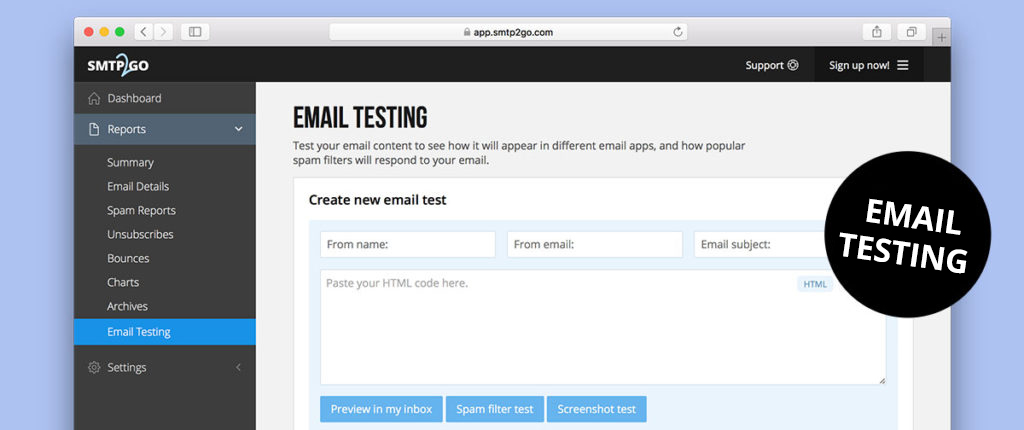
If you’ve taken advantage of one of our higher volume plans (100k+), you have to try out our Email Testing feature!
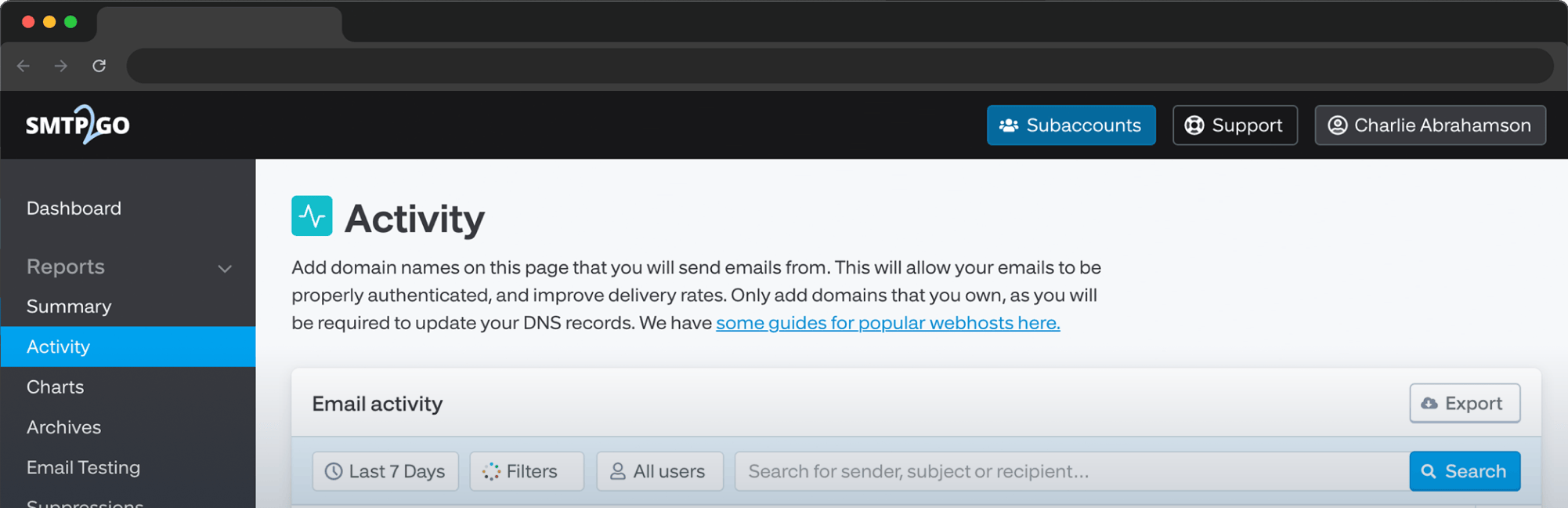
Just log into your SMTP2GO dashboard, then go to “Reports > Email Testing”.
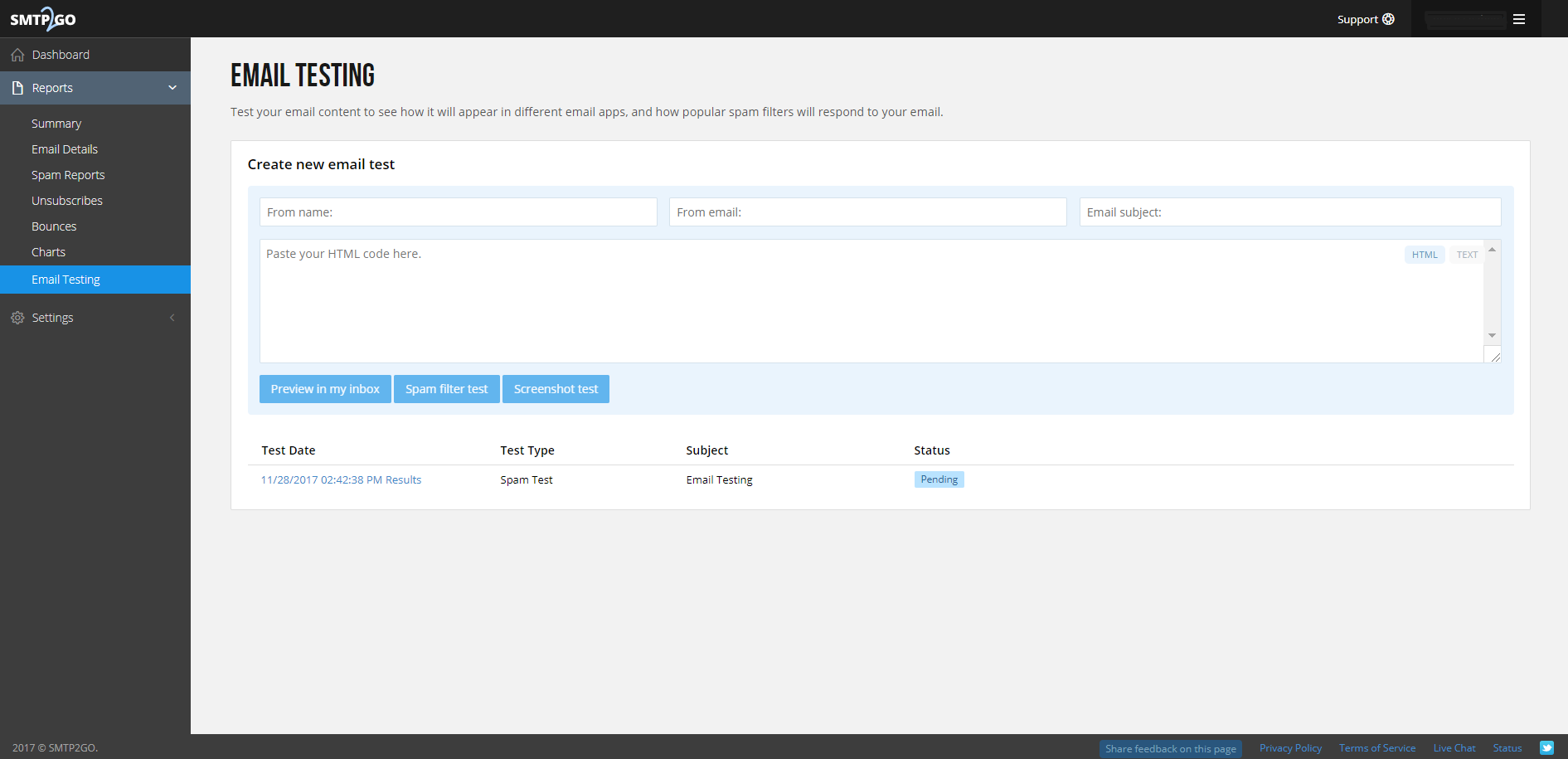
From there, you can input your ‘From’ name and email address, email subject and HTML code. One you’ve created your test email, you can choose to “Preview in my inbox”, perform a “Spam filter test” or do a “Screenshot test”.
Preview in my inbox sends a copy of the email to an email address of your choice so you can preview how it appears.
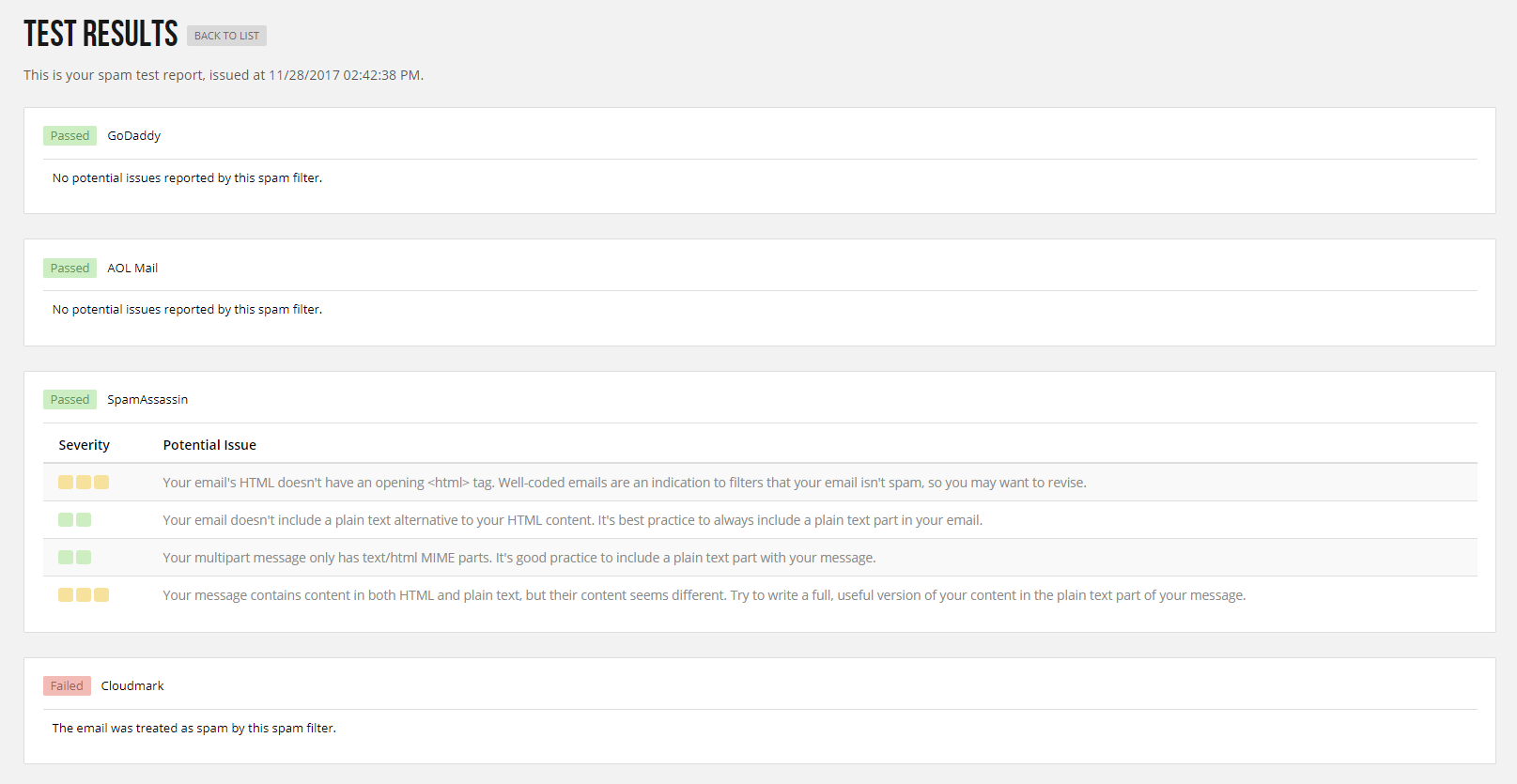
Spam filter tests let you see how major spam filters will handle your email. Depending on the spam filter it may give you some more specific information as to any issues that may cause the email to be marked as spam. With this information, you can adjust the content of your email accordingly to ensure that your emails get delivered directly to the inbox.
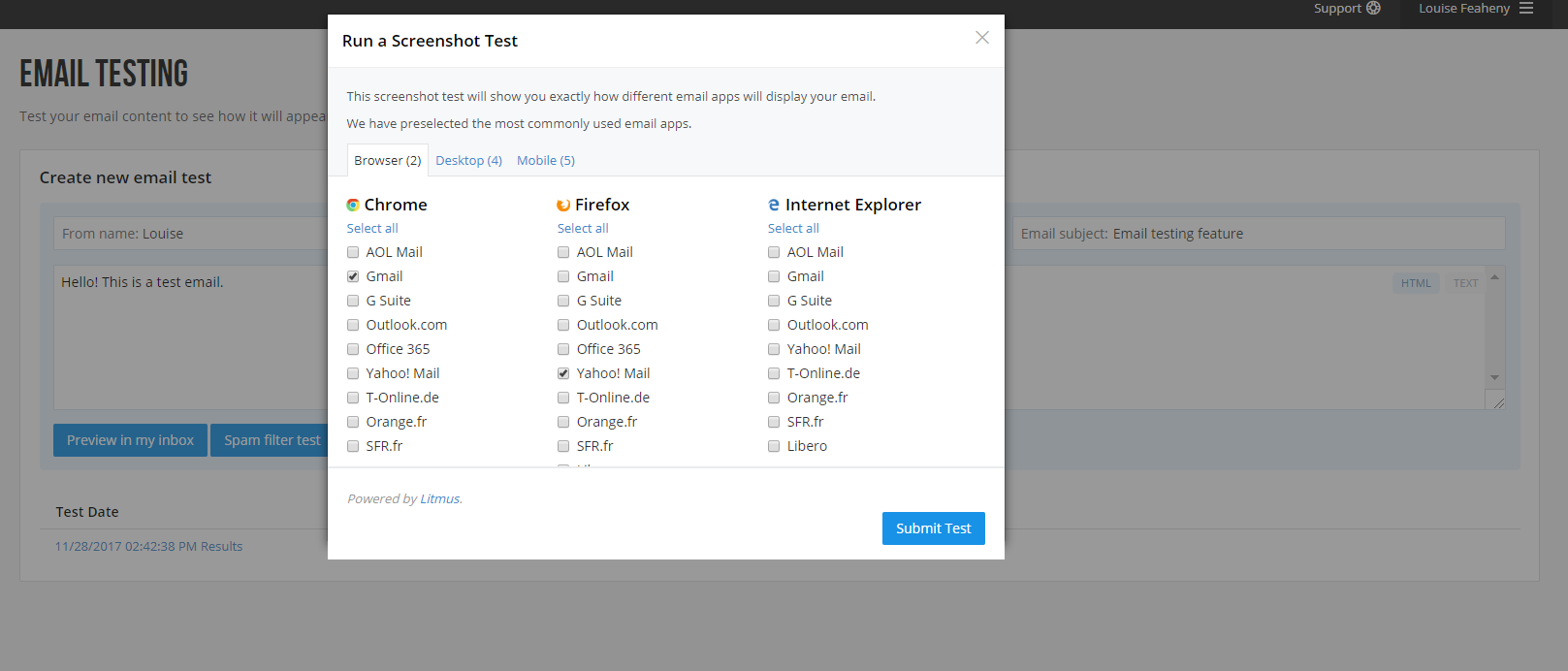
Screenshot tests allows you to test how an email will appear to a recipient, within their given email client. You can choose from over 50 email clients across all the major platforms for browser, desktop, and mobile based email clients. When a screenshot test is run we also run a link test on the given email. This will test all the links found within the email and check whether the links resolve and if they are blacklisted or suspicious. An allowance of 1000 email testing credits is applied to each account per month.
If you have any questions regarding the email testing feature, please get in touch with us. Also, if you have any ideas for new features, we’d love to hear from you! Customer feedback is extremely important to us, and all ideas are passed directly to our development team.



No thoughts shared yet. Be the first to leave a comment above!