
Much like Santa’s Elves, our development team is tirelessly tinkering behind the scenes - crafting improvements, fine-tuning features and dreaming up new ways to enhance your experience. While not every update gets a trumpet fanfare, we’ve decided it’s time to shine a light on what’s new!

That’s where our new change log system comes in (known as the ‘Latest updates’ feature).

Whether it’s a bug fix, a performance boost or a new feature, this is where we’ll announce it.

Where to find it?

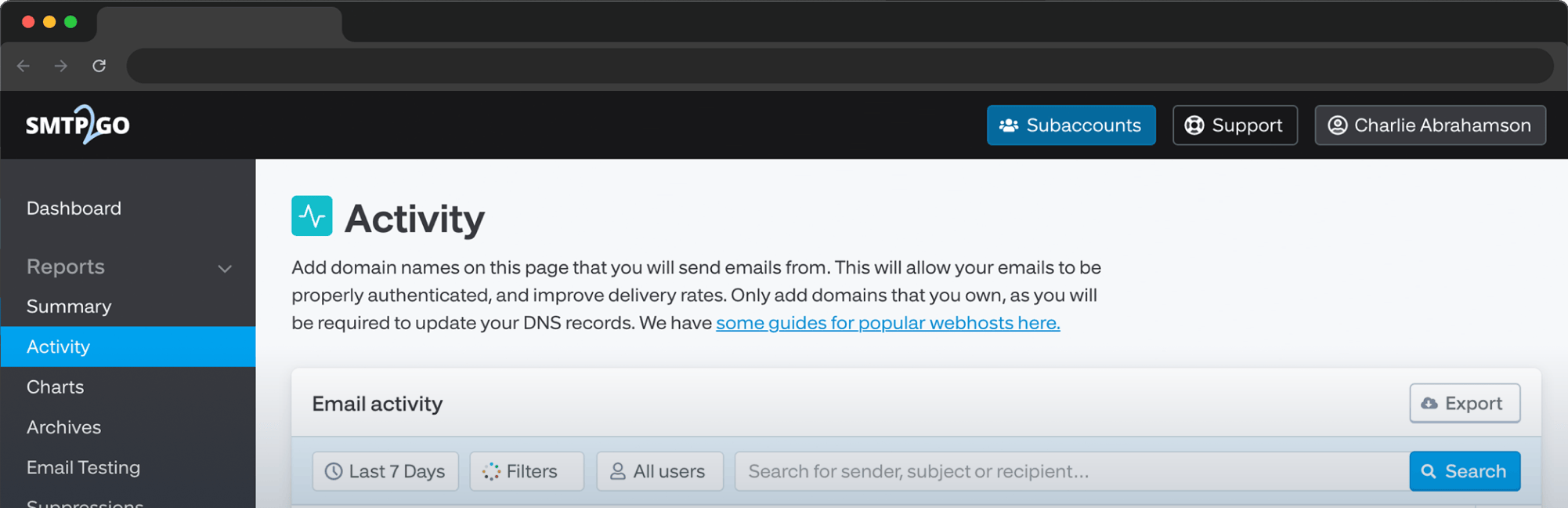
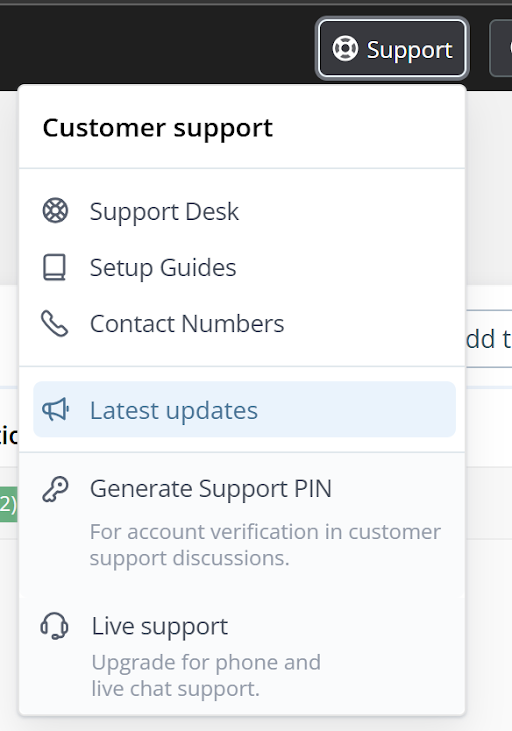
Head to your dashboard and click the Support button and then Latest updates: you’ll see a window open showing recent tweaks and behind-the-scenes enhancements.
If you have any feature suggestions that you’d like us to send over to the workshop, please let us know! 🤩


Charlotte James

Leave a comment

No thoughts shared yet. Be the first to leave a comment above!

Related posts

More Features & Updates articles
  • Scan to Email: How to Set It Up and How to Fix It When It Breaks

    Scan to Email: How to Set It Up and How to Fix It When It Breaks

    Scan to email is five settings. Get them right and a fifteen-year-old copier will send PDFs reliably for another fifteen years. Get one wrong, or let your email provider change the rules underneath you, and you get a two-line error on a touchscreen and a line of people holding paper.

  • Gmail Blocked in China? How to Keep Sending Email That Actually Arrives

    Gmail Blocked in China? How to Keep Sending Email That Actually Arrives

    Most guides on this topic are written for travellers trying to open their inbox. This one’s written for the sysadmin whose WordPress site stopped sending order confirmations the day the team opened a Shanghai office. The developer whose app’s password-reset emails vanish from inside the country.

Not tried SMTP2GO yet?

Get acquainted with our application while you apply. There's no extra cost to track all of your emails. Forget headaches with email delivery:

Create your SMTP2GO account
App Dashboard

Log In