

First of all, what is an API?
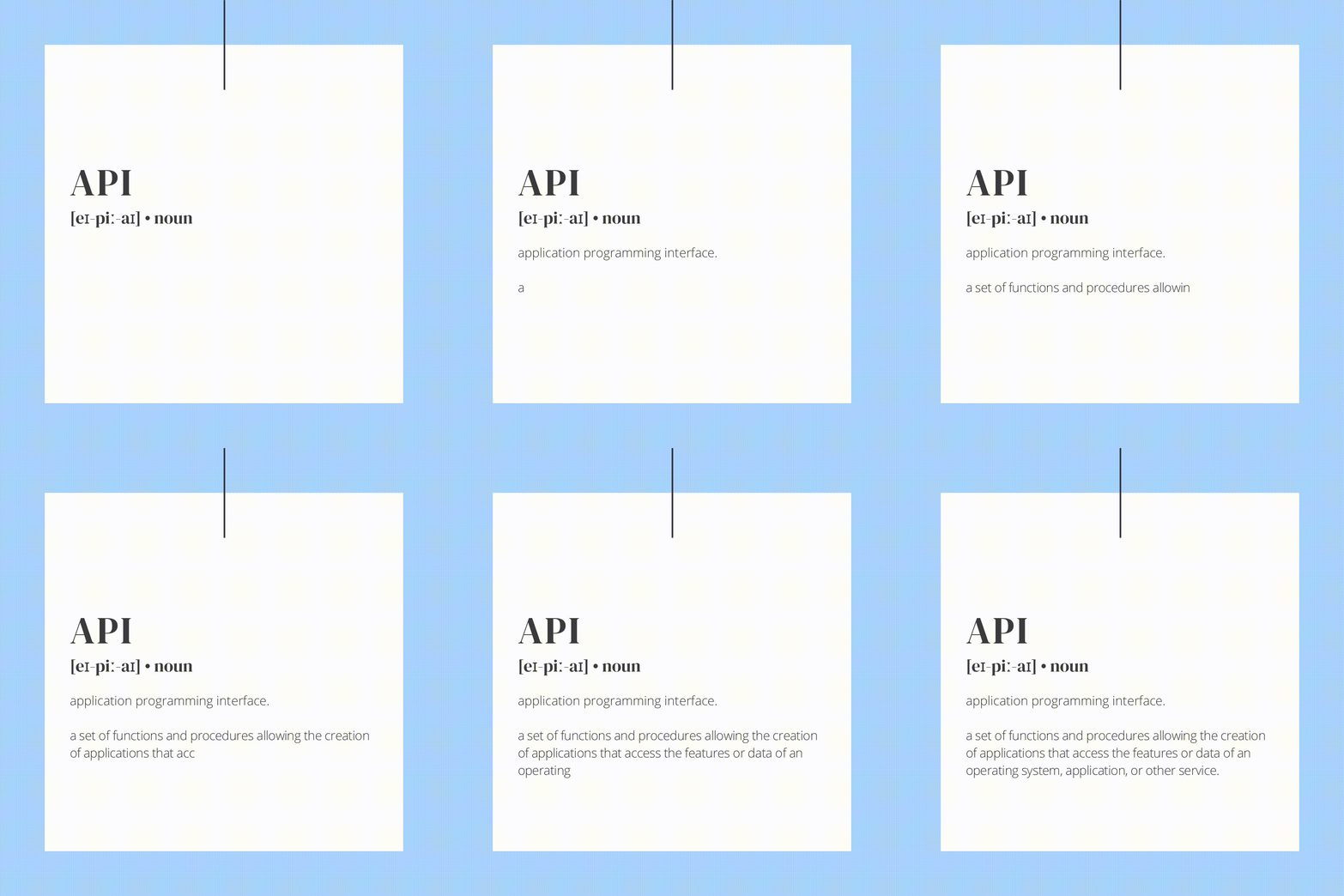
Simply put, API allows two applications to communicate with each other in order to transfer data. Every time we use an app on our phones, we’re using API. The internet is basically a web of connected servers, and APIs run back and forth between servers to request and deliver data. When you visit smtp2go.com, for example, a request is sent from your browser to our server. Then, the response is sent from our server back to your browser and that’s how our website appears.
Think of API like a server in a restaurant…
The customer (or in this case, the app), sends an order to the kitchen (or our servers, for example) via the waiter (who acts like the API). Once the kitchen is ready, the assets (in this case, a thick juicy steak) are returned to the customer again via the waiter.

Ok, so when do you use an API?
You use an API when you want to do one of four things. GET, POST, PUT or DELETE. Here are some examples of when you’d use them with our service:
- GET: requests data from a server (eg. report on email bounce statistics)
- POST: sends new information to a server (eg. send an email)
- PUT: makes changes to existing data on a server (eg. update an SMTP user)
- DELETE: removes existing information from a server (eg. remove an SMTP user)
Where do I find APIs?
We’ve got a comprehensive guide to our APIs available here.
Why should I use an API?
If you want to add something to your website, there’s probably an API for that. It will save you a lot of time and effort if you can just use one that already exists, rather than having to create your own. For example, if you want to add a map to your site, you can just use Google Maps’ API rather than having to create your own database of information.
How do I use APIs?
First of all, you’ll need an API key. You can generate one by going to the “API Keys” page of your SMTP2GO dashboard. 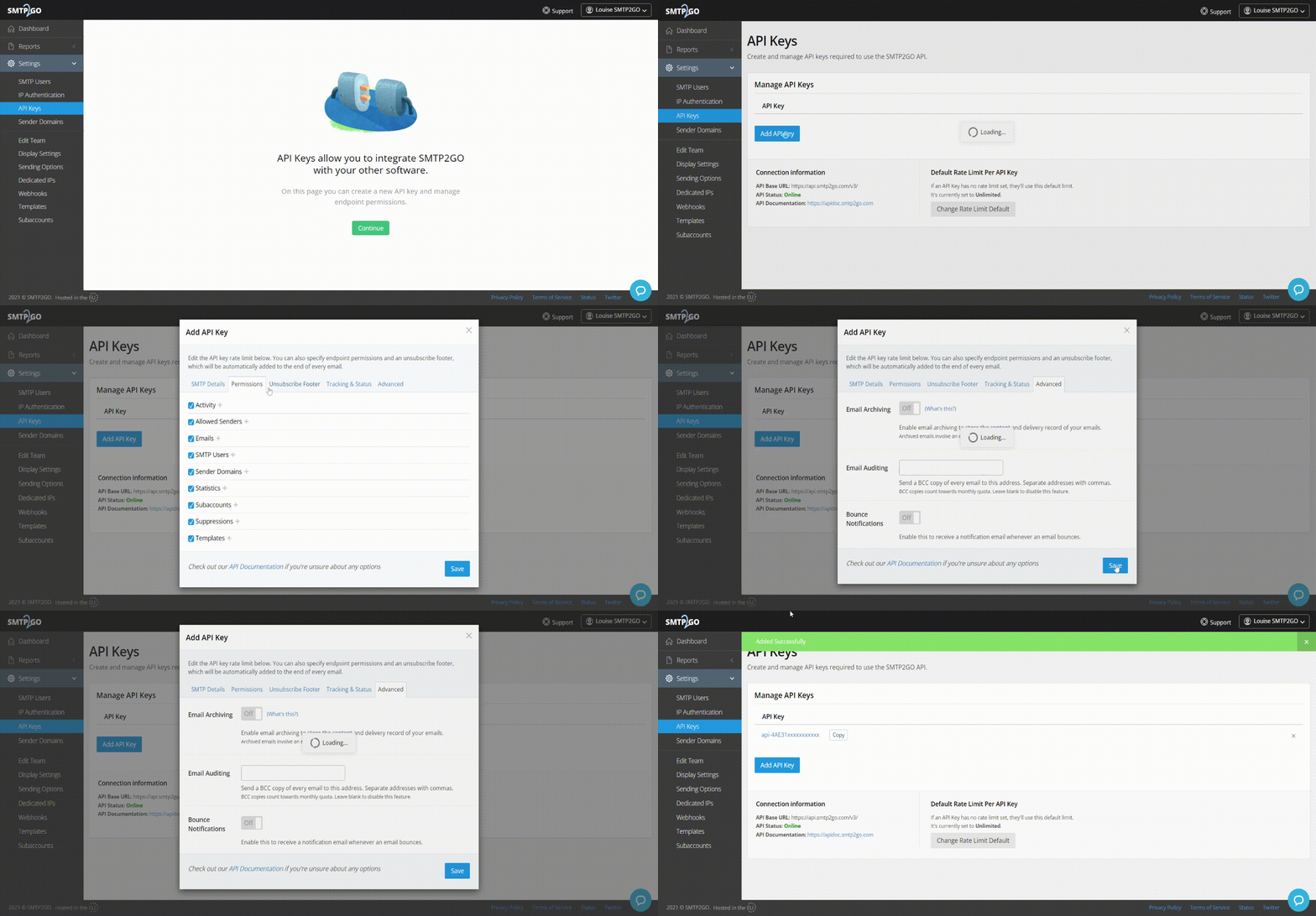
Once you’ve done that, you can then take the key and input it into your app. For example, if you want to send email using WordPress, you can just input the key into the WordPress SMTP2GO app.
If you’d like to know more about how to integrate our APIs with your system, please don’t hesitate to get in touch.



No thoughts shared yet. Be the first to leave a comment above!