

Since its launch in 2018, the SMTP2GO WordPress plugin has consistently earned 5-star reviews!
Designed to seamlessly replace the default wp_mail() functionality (phpmailer), the SMTP2GO WordPress plugin ensures all outgoing mail is routed through our secure servers.
With our latest update enhancing security, we are thrilled to announce that we have surpassed 20,000 installations! 🚀
“I’ve tried a number of SMTP tools for transactional emails for various sites I have built. SMTP2GO is by far the easiest to set up. I had some issues with one site and their tech support team responded quickly and solved the problem in five minutes. There is no waiting for “approval,” no credit cards required for the free account, and setting up CNAME records is a snap. I won’t go back to any other SMTP plugin. Thank you!”
The main benefits of using the official SMTP2GO WordPress plugin:
- We have made our plugin as easy and low maintenance as possible – you can set it up in under ten minutes.
- Take over from the default WordPress email system for more reliable delivery – you can be confident your emails have arrived at their destination inbox successfully.
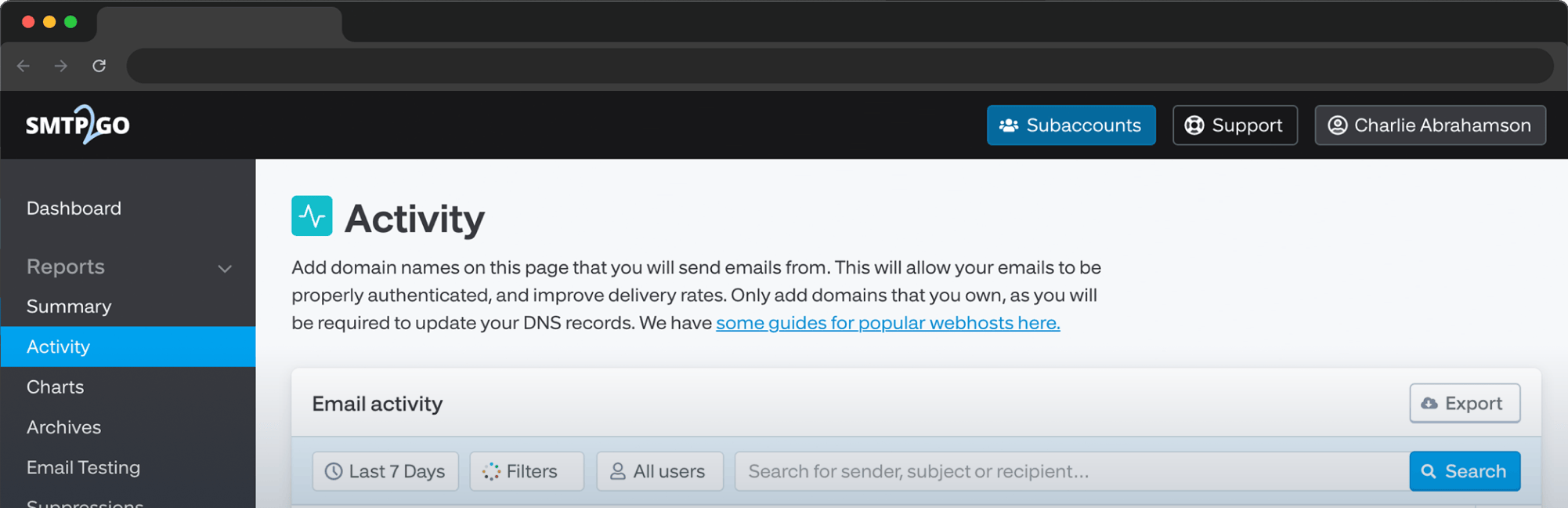
- Get access to our intuitive real-time reporting tools. You can uncover what is going on behind the scenes with delivery, open rates, click rates, bounce, and unsubscription reports.
- We offer secure worldwide servers with intelligent routing for network redundancy and speedy delivery.
- We handle SPF and DKIM on your behalf. SMTP2GO can even turn your “http” links into “https”.
- Diagnose and resolve delivery issues with our insightful reporting page, or reach out to our award-winning support team who are available almost 24/7 to help address problems in a timely, friendly fashion.
- We have a dedicated review team that constantly monitors the reputations of our IP’s and we proactively alert members to any suspicious changes in their email regimen.
- Avoid poor reputation and throttling or limitations from over-used shared web hosts and other providers.
“WOW! After spending a ridiculous amount of my time, and with the help of my webhosts, I couldn’t get another SMTP plugin to work. Zero Support from them. This took 10 minutes total time and delivered a test email. Fantastic. Thank you for this wonderful service.”
For more information on how to install, see here.



No thoughts shared yet. Be the first to leave a comment above!