

Whether you’re migrating from another SMTP provider or searching for a reliable, highly-rated email delivery service, this guide will walk you through the essential steps to sign up, set up an account, configure sending and explore key features to maximize your SMTP2GO experience.
Why Choose SMTP2GO?
Operating at the forefront of email delivery since 2006, SMTP2GO serves more than 40,000 customers worldwide. With data centers in the US, EU, and Australia - and servers in multiple other locations - you gain access to some of the fastest data networks available. Our industry-leading 100% SLA ensures reliability and peace of mind.
Start Sending in Minutes via SMTP or API
1. Sign Up for an Account
Getting started is quick and simple:
- Choose a free plan (1,000 emails per month) or a paid plan suited to your volume needs.
- Subscriptions can be billed monthly or annually.
- If you send more than 3 million emails per month, our support team can assist with tailored solutions.
Important: You must use a work email or a domain-based address (for example, yourdomain.com). Free domains such as Gmail, Outlook or Yahoo cannot be used. Need a domain? Providers like Cloudflare and GoDaddy offer affordable options.
2. Set Up Your Account
Once sign up is completed, login to the app to complete these setup steps:
Verify Your Senders
Sender verification is mandatory for authorized email sending. Choose one of two options:
- Sender Domains (recommended) – Ensures SPF/DKIM alignment for better deliverability.
- Single Sender Emails – Verify individual addresses (suitable for smaller-scale sending).
Create Your Sending Credentials
You have three options for authentication:
- SMTP Users – Standard username/password authentication.
- Authenticated IPs – Secure sending via IP Authentication or Address Authentication (available on paid plans).
- API Keys – Generate API keys.
3. Start Sending Emails
SMTP Configuration
Most users send via SMTP by configuring these settings in their email software: SMTP Server: mail.smtp2go.com SMTP Port: 2525 Alternative Ports: 8025, 587, 80, 25 (TLS supported) SSL Ports: 465, 8465, 443
API Integration
For advanced sending capabilities, explore our full API documentation for examples, testing tools and setup details.
Real-Time Reporting & Analytics
Gain full insights into your sending activity with detailed tracking:
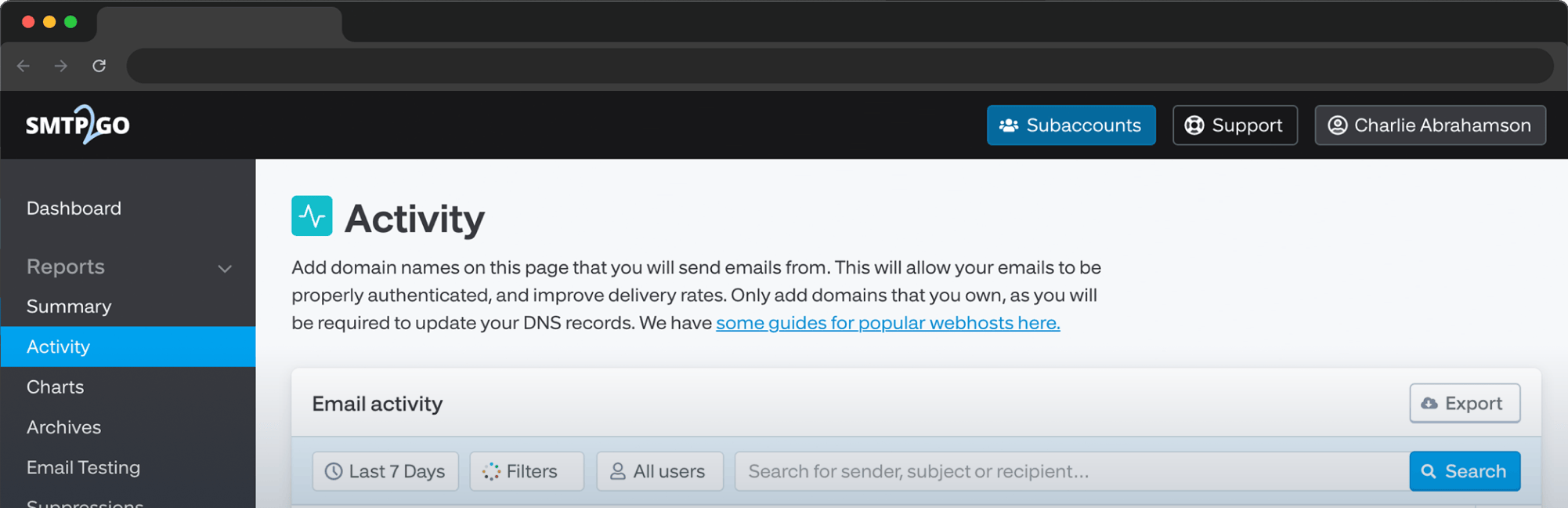
- Activity Log - Monitor delivery events (including bounces, opens and clicks).
- Summary & Charts - Visualize trends and performance metrics.
- Suppressions Management - Handle unsubscribes, rejections and blocklists.
- Data Export & Scheduled Reports - Automate reporting to your inbox.
Award-Winning 24/7 Support
Need assistance? Our friendly support team is available via:
- Live Chat
- Email Ticket
- Phone Support (limited to 14 days on free plans)
We also maintain a dedicated review team to ensure high email deliverability and compliance with our Terms of Service.
Additional Features
- Dedicated IPs - Included in Professional plans (100K emails/month+). Additional IPs available for $19/month.
- Subaccounts - Ideal for agencies and resellers managing separate customer accounts.
- SMS Messaging - Send and receive SMS via email or API.
- Archiving - Store full email content for up to five years (optional paid feature).
- Webhooks - Get real-time notifications for email events (bounces, opens and clicks).
- Email Testing Tool - Preview emails across 50+ clients and run spam filter tests (available for Professional plans).
- IP Allowlisting & Security - Restrict sending to approved IPs for enhanced security.
- Integrations - Supports WordPress, cPanel, Slack and more.
- Unsubscribe Management - Auto-add unsubscribed recipients to suppression.


No thoughts shared yet. Be the first to leave a comment above!